Your first day on Nule
Setting up — your first day on Nule
Sign in & pick your trade
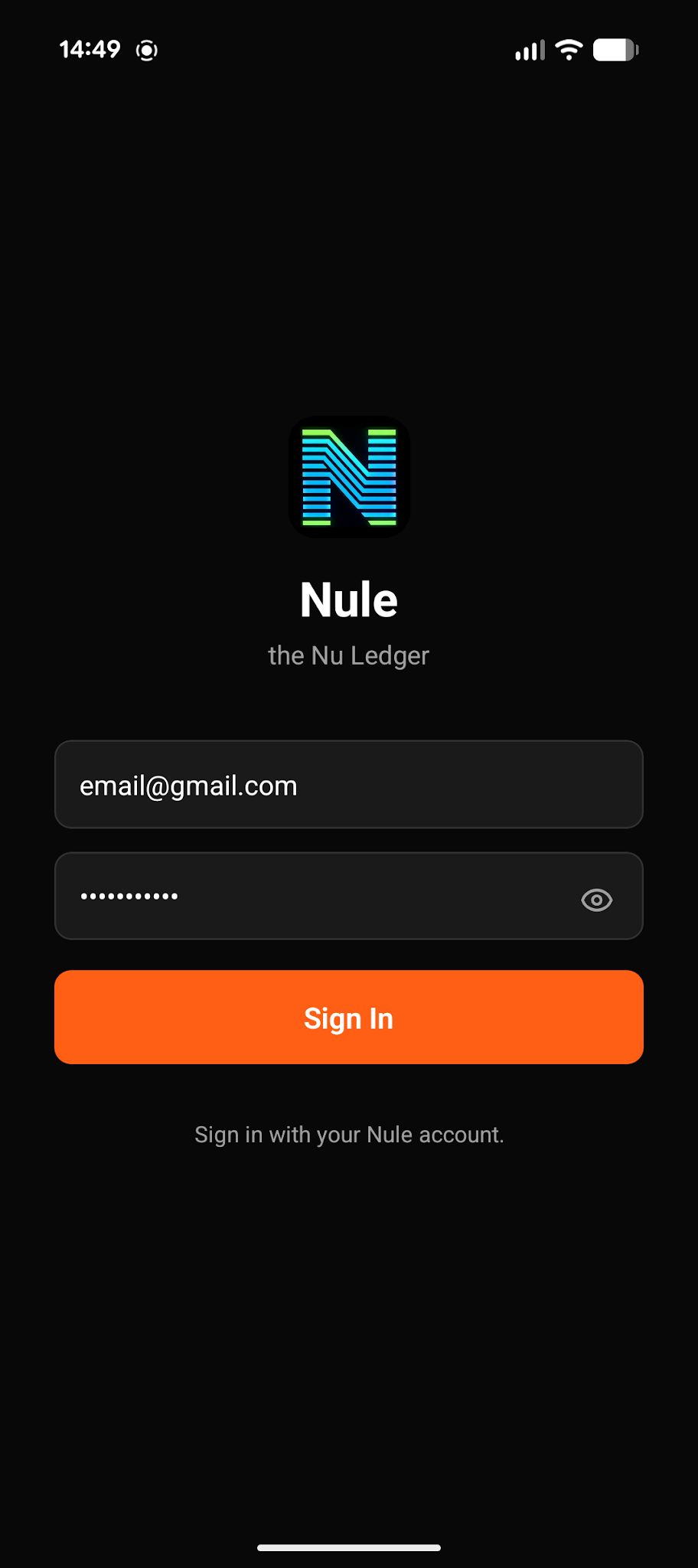
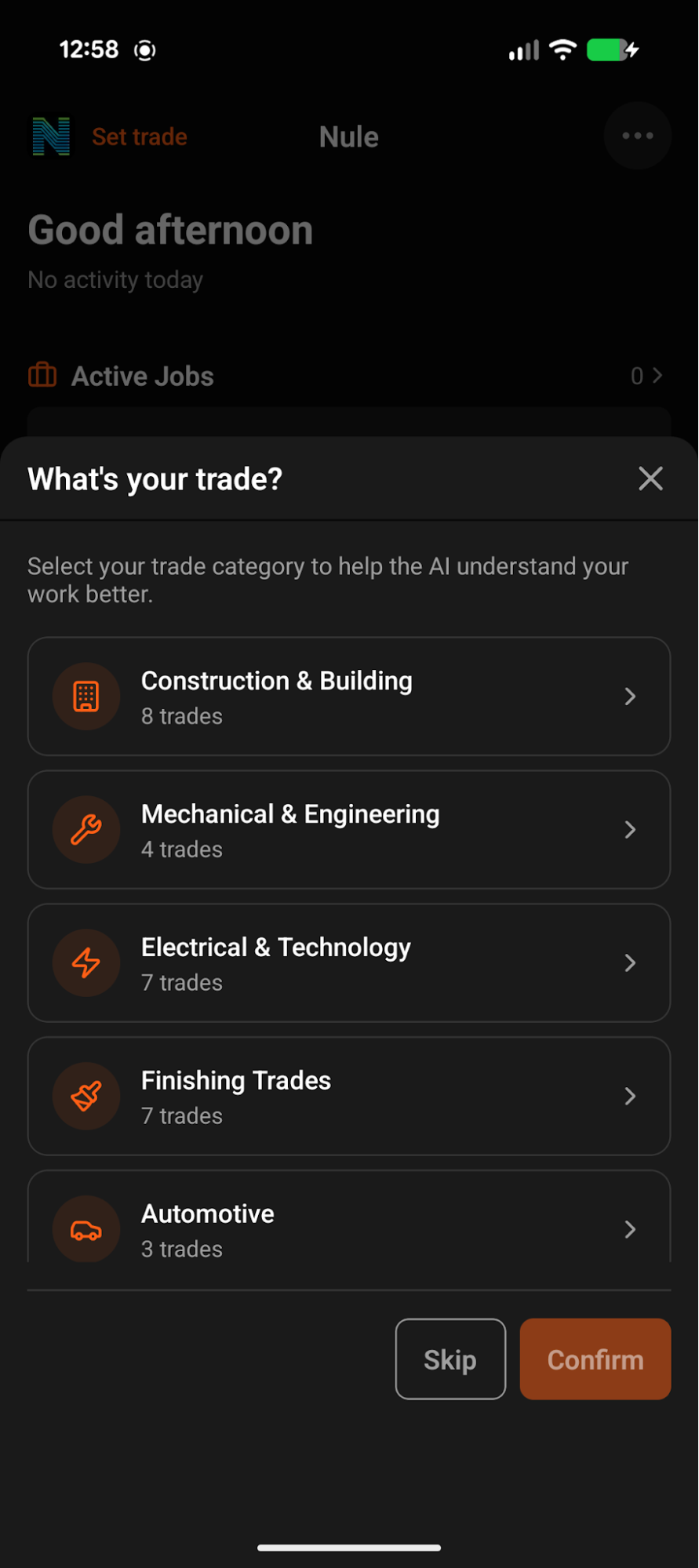
Open Nule and sign in using the email you registered with on the web. Choose your trade — this can be changed any time in Business Settings.
Forgot your password? Reset it at nule.ai/forgot-password — you'll get an email with a code to set a new one.
Set up your profile
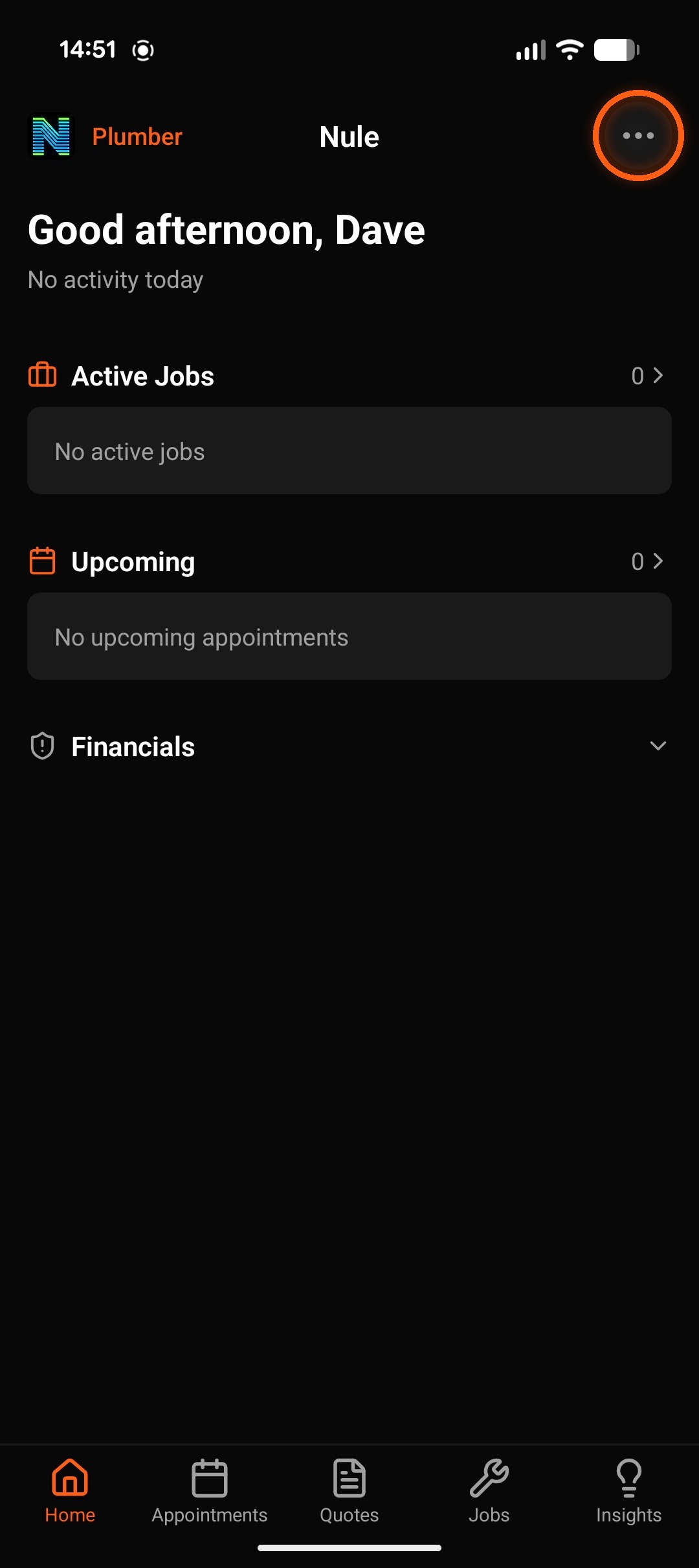
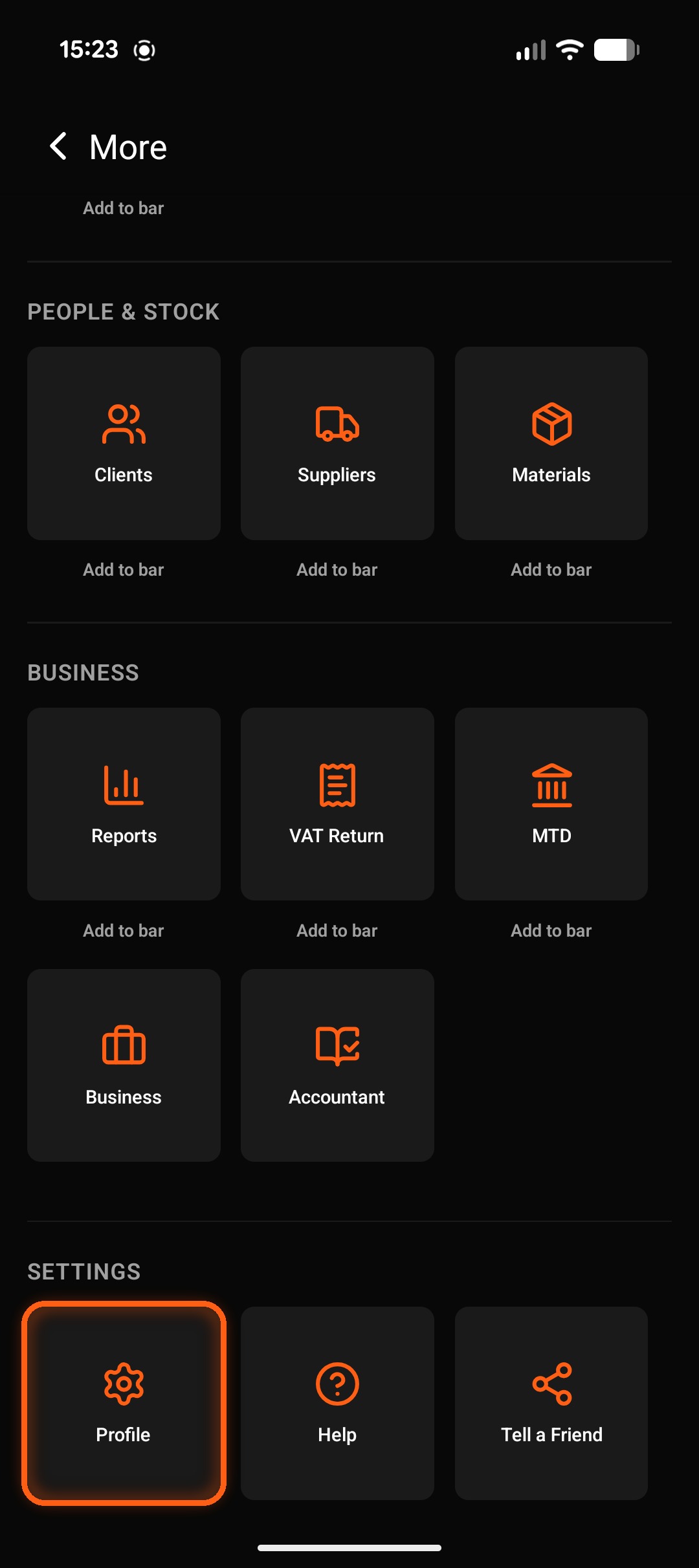
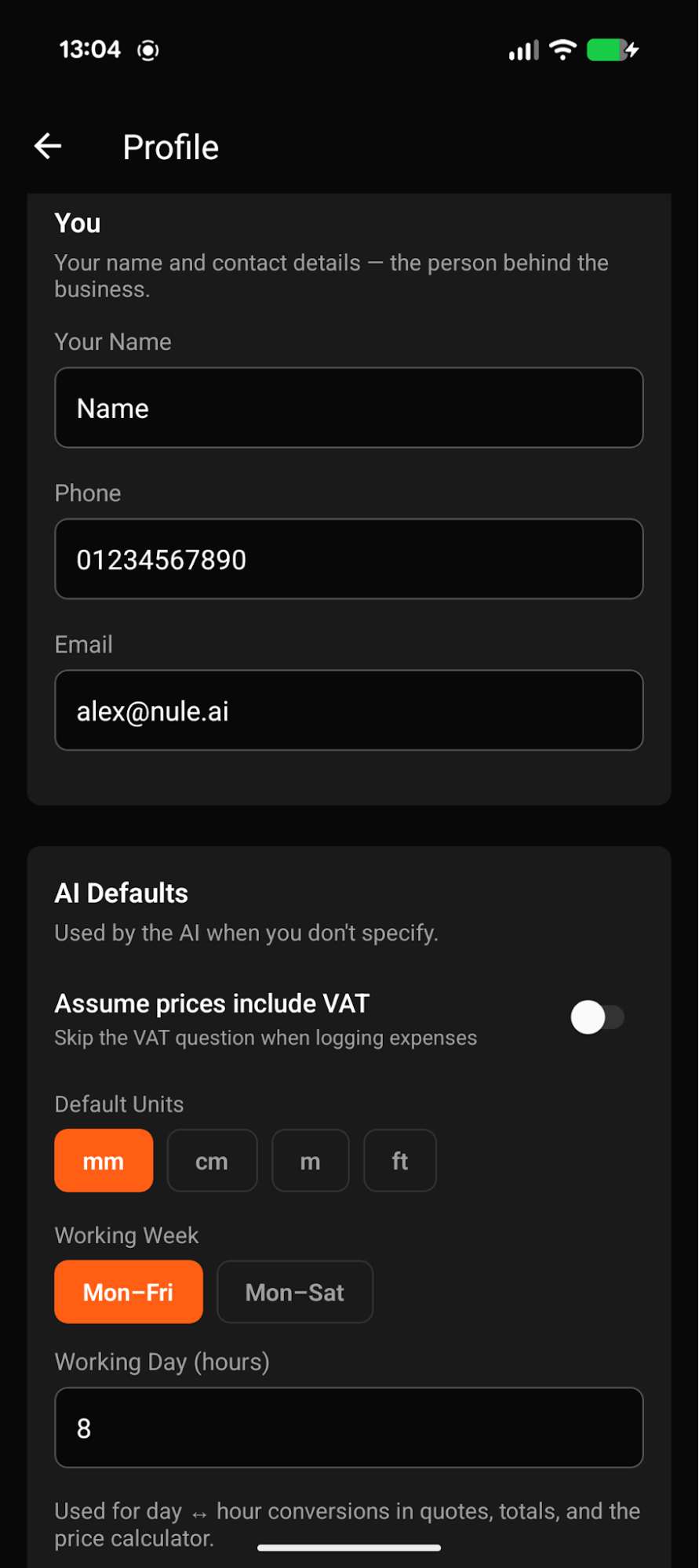
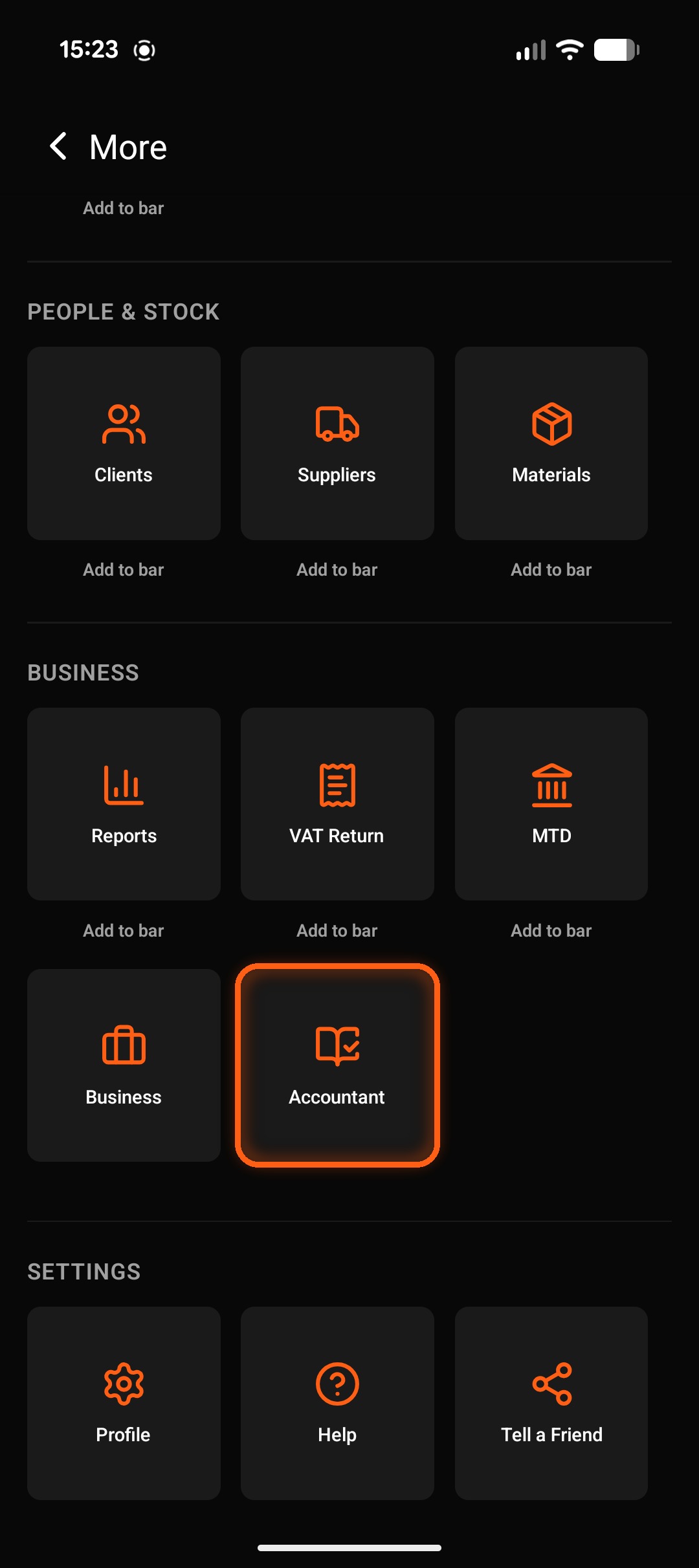
Select the menu top right, scroll to the bottom and tap Profile. Fill in your personal info, and set your working week and working day.
New to Making Tax Digital? Read the plain-English guide → nule.ai/mtd
Set up your business
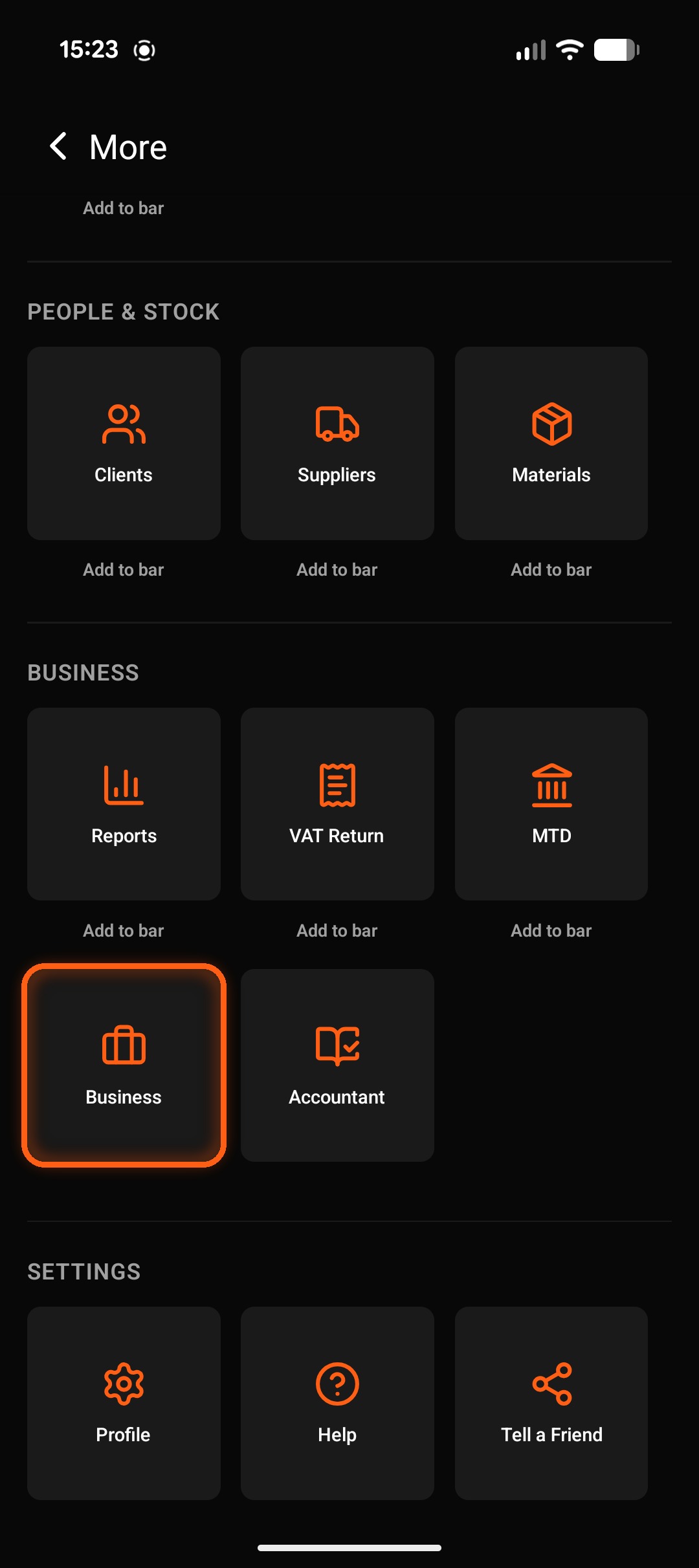
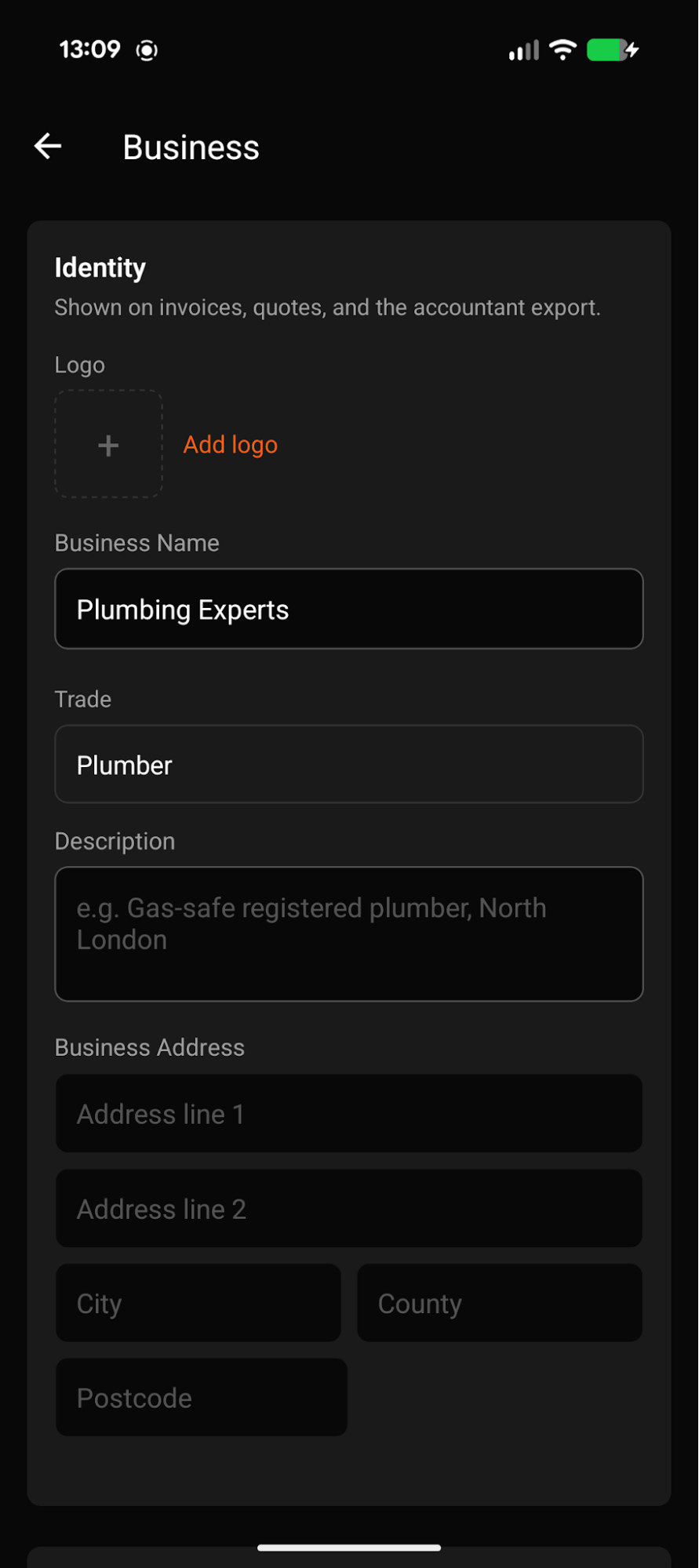
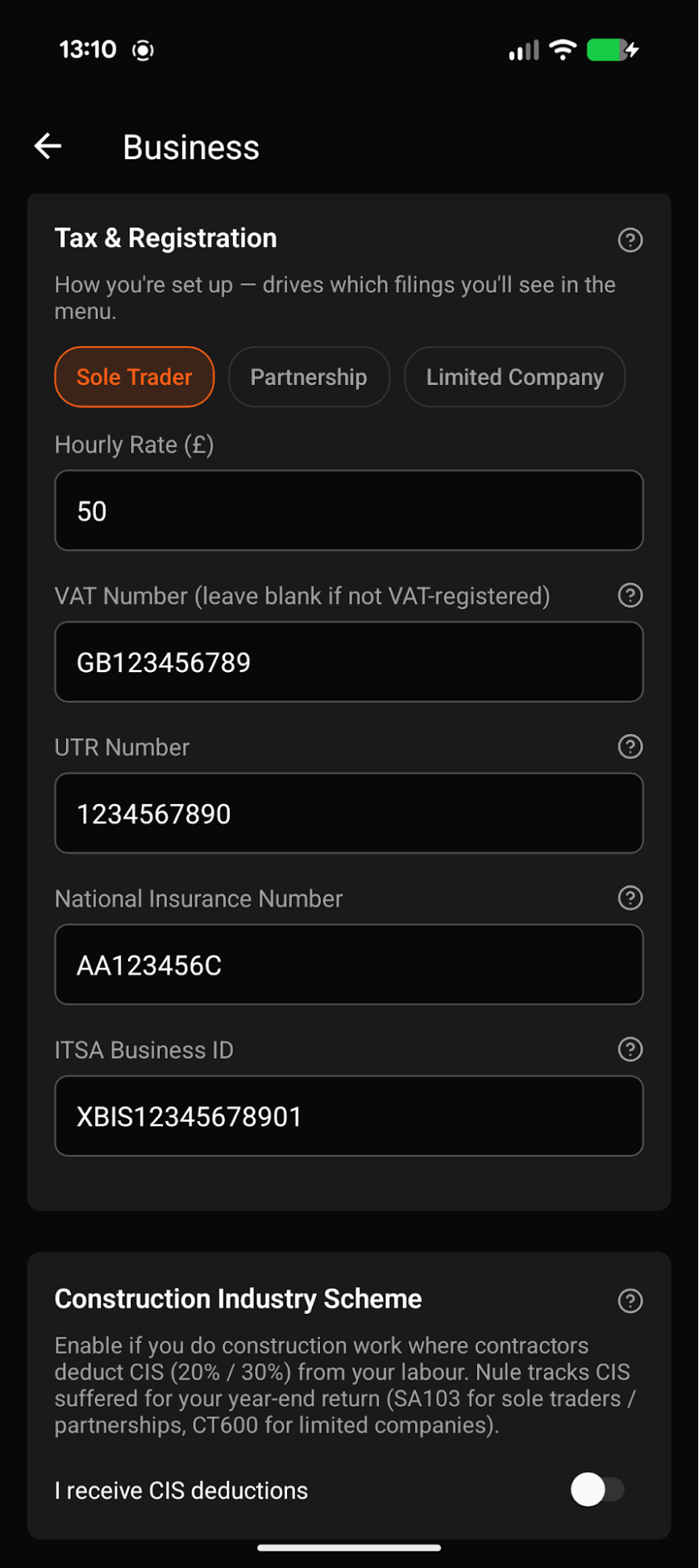
Return to the menu and tap Business. First add a logo and business name. Then scroll down to Tax & Registration and fill out your details. (Tap the ? symbols if you need help on where to find these numbers.)
New to Making Tax Digital? Read the plain-English guide → nule.ai/mtd
Add your accountant
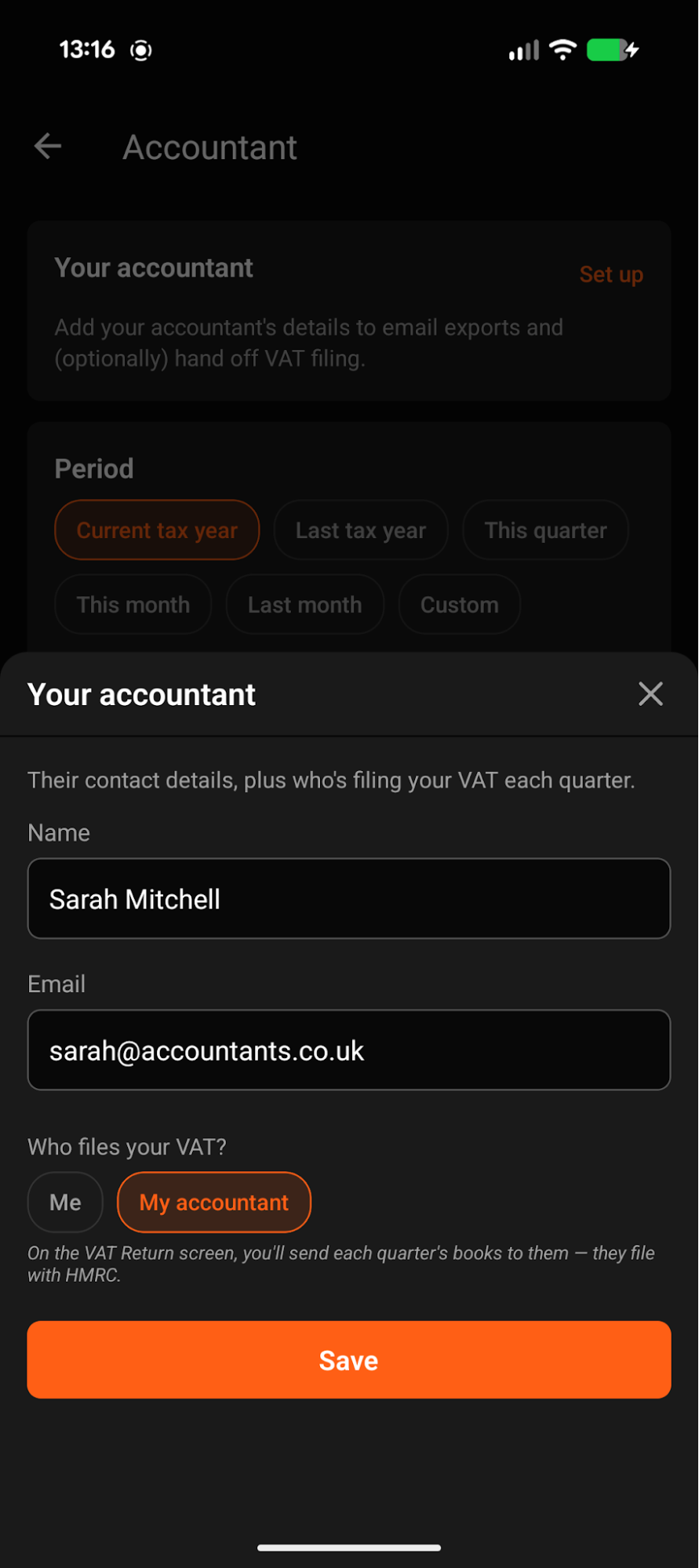
Finally, if you have an accountant, return to the menu and tap Accountant, then Set up. Fill out your accountant's contact info to email exports and VAT filings direct from Nule.
Run your business
from your pocket.
£35/mo + VAT. Cancel anytime. Founders pricing locked in for the first 1,000 sign-ups.